

Most "alternative" articles start by explaining why the incumbent is bad. This one cannot, because Genius Scan is a good app and its free tier is unusually honest — no watermark stamped across your exports, no nagging, and a scanner that genuinely works. If you are looking to leave it, you probably have one specific reason, and it is worth naming precisely before you switch anything.
That reason is almost always OCR.
The one thing that sends people looking
Genius Scan's own pricing page lays out three tiers: a free Basic plan described as a fully functional scanner, an Ultra plan at $39.99/year, and team licensing that ranges from $40 down to $20 per licence per year (checked on 1 October 2026).
The free tier really is a working scanner. What sits on the paid side of the line is the part people assume is standard:
- OCR — text recognition is an Ultra feature
- Cloud exports to Dropbox, Google Drive, OneDrive and similar
- Enhanced security and document organisation
- Cloud backup, device sync, and web access
So the free plan turns paper into a clean PDF, but that PDF is a picture of your document. You cannot select the text, search it, or copy a paragraph out of it without upgrading. For someone who scans a contract once a month, that is fine. For anyone digitising receipts, notes, or forms they actually need to search later, the scanner is only doing half the job.
If your reason for leaving is anything other than that, be honest with yourself — you may not need to switch at all. Genius Scan handles the scanning part well.
What an on-device OCR alternative looks like
DocFlow Scanner is an Android scanner we built, and the pricing comes first because it changes the comparison: DocFlow does not give you free OCR either. The app is free to download, and scanning, importing, basic editing and keeping documents in the app are free. Text recognition, and every other output, is part of DocFlow Pro, sold as a monthly or yearly subscription or as a one-time lifetime purchase; there is no free trial at the time of writing (October 2026). The differences that matter here are where the OCR runs, Arabic support, and the option to pay once. Here is the honest feature list:
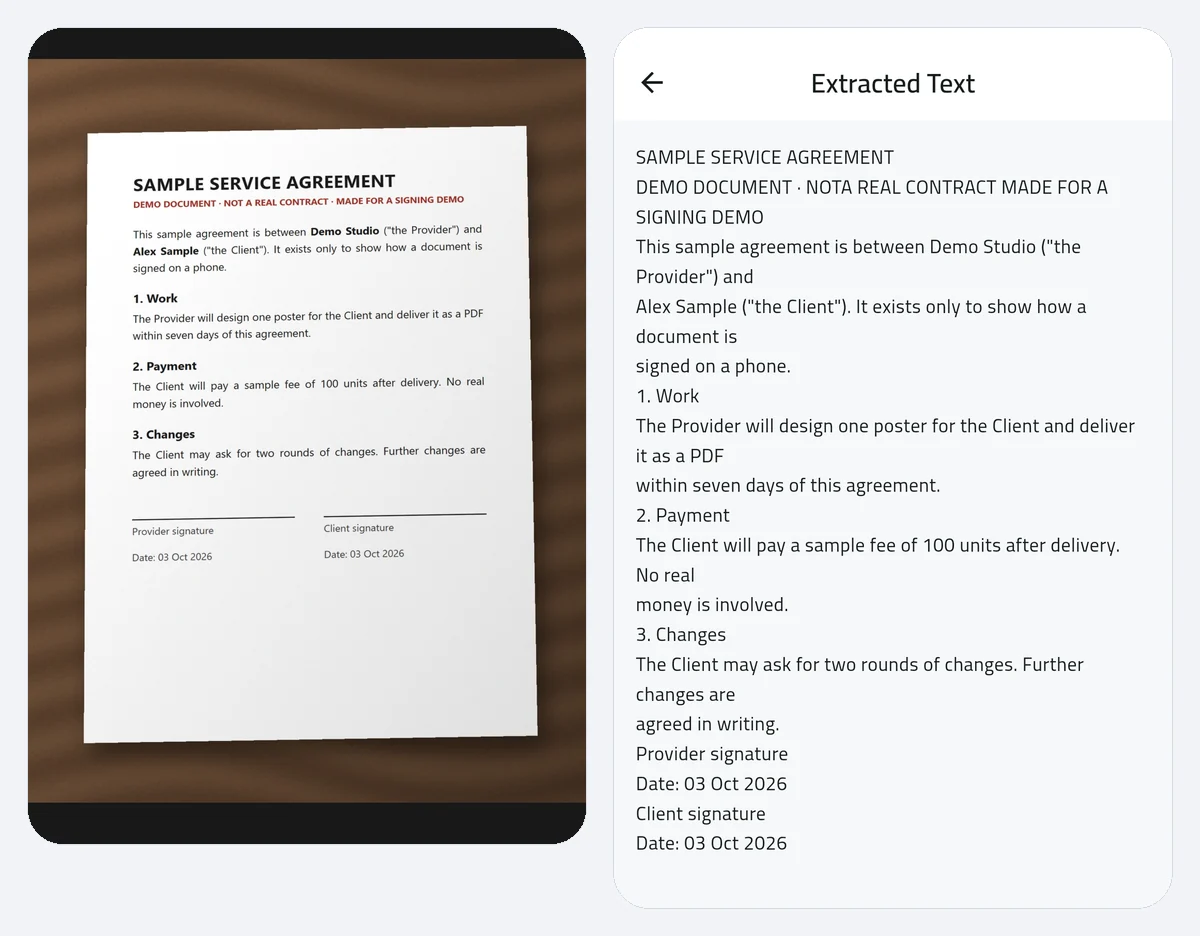
- Scanning with edge detection and perspective correction (free); PDF export with no watermark (Pro)
- On-device OCR in Arabic and English, with export to Word or Excel (Pro)
- On-device translation of recognised text, keeping the layout roughly intact (Pro)
- E-signature for signing and returning documents without printing (Pro)
- PDF toolkit — merge, split, compress, and password-protect (Pro)
- No login required; the free plan shows ads, and Pro removes them
The phrase doing the work there is on-device. OCR and translation run on your phone rather than on a server, which matters for the documents people actually scan: IDs, bank letters, medical reports, contracts. It also means the feature keeps working on a plane or a bad connection.
Arabic is the part nobody else covers
If you work in Arabic, this stops being a pricing argument. Arabic OCR is genuinely harder than Latin-script OCR — the script runs right to left, letters connect and change shape depending on position in the word, and a misplaced dot turns one letter into another. Plenty of scanners list OCR support and then produce scrambled reading order the moment you hand them an Arabic page.
With DocFlow Pro, the app reads both Arabic and English on-device and turns a scanned Arabic page into text you can copy, edit, translate, or push into Word. There is a fuller walkthrough in the guide to free Arabic OCR online. If Arabic is part of your daily document work, this is the whole reason to change apps.
Where Genius Scan still wins
An honest comparison has to include this section.
Cloud sync and multi-device access. Ultra includes backup, sync, and web access. DocFlow is a phone app that keeps files on your phone; if you want documents waiting on your laptop, Genius Scan's paid tier is built for that and ours is not.
Platform coverage. Genius Scan is available across mobile platforms. DocFlow is Android-only on the Play Store today. If you are on iPhone, this comparison ends here.
Maturity. Genius Scan has been refined over years. DocFlow is a new app, and we are not going to pretend otherwise or claim feature parity we have not earned. What we claim is the list above.
Which one to pick
- You scan occasionally and never need the text. Stay on Genius Scan free. Nothing here beats it for that job.
- You need searchable text and would rather pay once than every year. Look at DocFlow — OCR is a Pro feature, but Pro is also sold as a one-time lifetime purchase, and the OCR runs on-device and exports to Word or Excel.
- You work with Arabic documents and are willing to pay for OCR. DocFlow Pro, without much debate. Arabic OCR is the feature it was built around.
- You need cloud sync across devices and a web dashboard. Genius Scan Ultra. That is what the subscription buys, and we do not offer it.
For a wider view of the category, our roundup of the best free document scanner apps for Android covers the alternatives side by side, and the CamScanner comparison deals with the watermark problem specifically.