NasrTech
Nasr App Maker, now on the web

Convert your website to an Android app.

Type your address and watch your site turn into an app, with its own name, colour, icon and menu pages. Install a free test APK on your phone, then get the Google Play version when it's right.

WordPress, Shopify, Wix, Squarespace or your own code: any site on https.

  • Free live preview
  • 3 free test APKs a month
  • No code, no sign-up
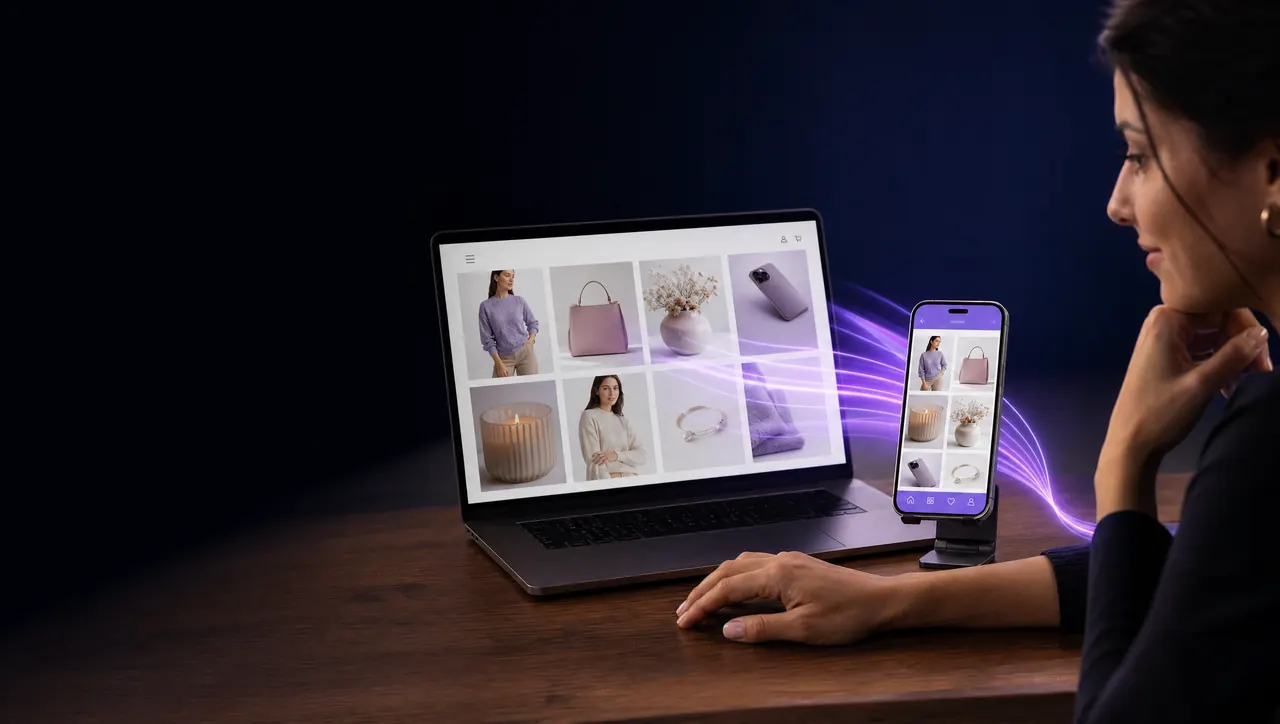
A shop owner at her laptop looks at her online store, which also runs as an app on the phone beside it

Make your app

Live preview, then a test APK for your phone. Both free.

  1. Read your site
  2. Make it yours
  3. Test APK
  4. Google Play

Start with your website address

We read your site in a few seconds and show you the app right here. Nothing is built until you ask for it.

  • Reads your site. Its name, colour, icon, menu pages and the phone, WhatsApp and email it links to.
  • Shows the app live. Your site inside a phone, with your bottom bar and contact page.
  • Builds a real APK. Scan a code to install it on your phone. Three free each month.

How it works

From web address to app on your phone.

Three steps, all on this page. You see the app before anything is built, and you install it before you pay.

  1. 1Type your address

    We open your site and read its name, brand colour, icon, menu pages and the contact details it links to.

  2. 2Make it yours

    Change the name, colour, icon, bottom-bar pages and contact buttons. The phone beside the editor shows the app as you go.

  3. 3Install it, then publish

    Build a free test APK and scan the code to install it on your phone. When it's right, get the bundle for Google Play.

Who it's for

You have a website. Your customers have phones.

Shops, restaurants, clinics, schools and blogs use App Maker to put the site they already have in an app, without hiring a developer.

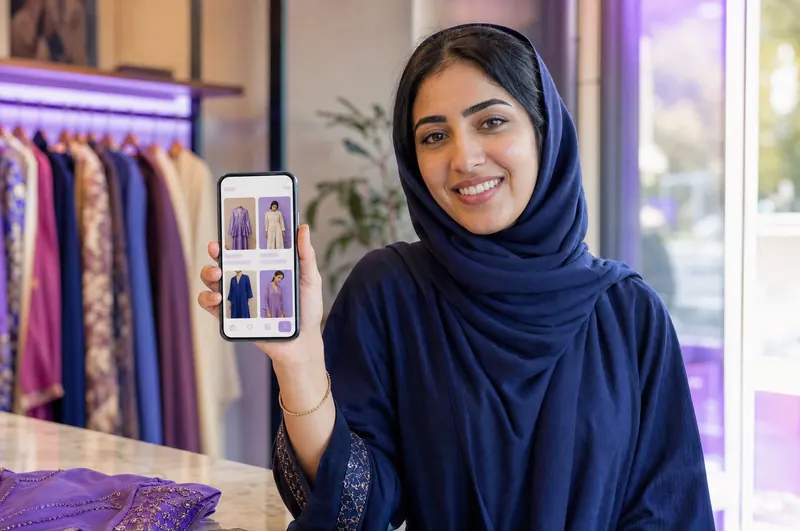
A boutique owner holding up her shop's app on a phone

Shops

Your catalogue, cart and checkout in an app your customers keep on their home screen.

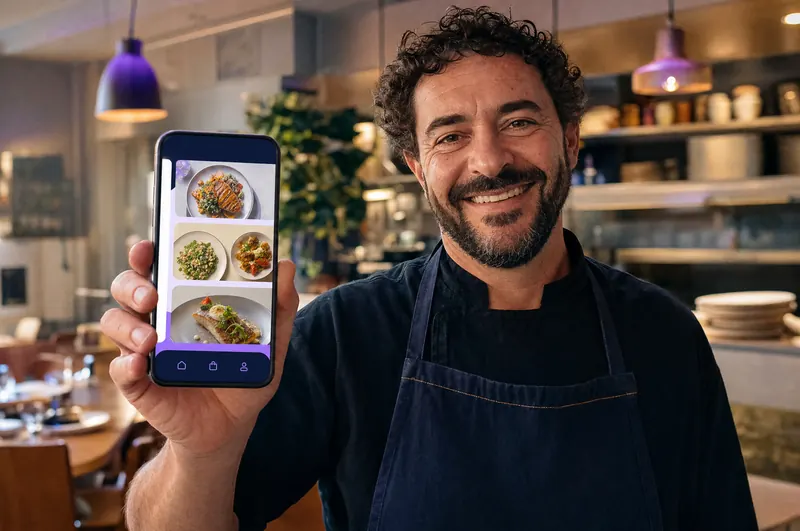
A restaurant owner showing his menu app on a phone

Restaurants and cafés

Your menu, online orders and a WhatsApp button, one tap away for the regulars.
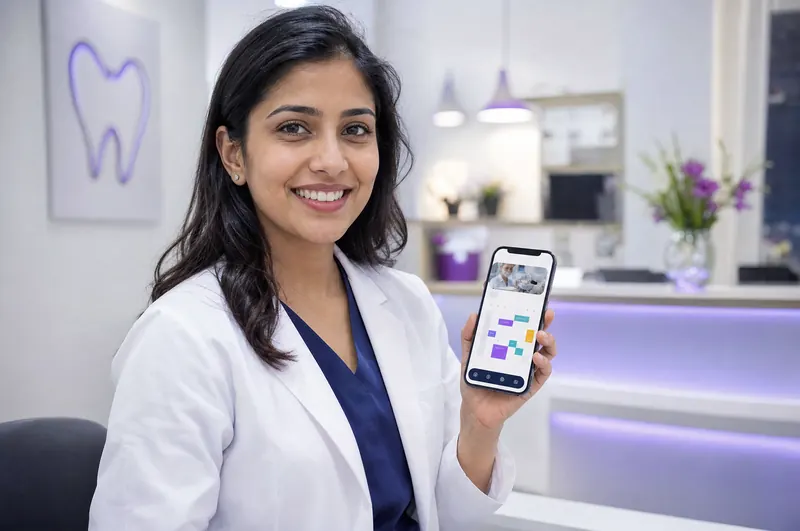
A dentist at her clinic's front desk holding the clinic's booking app

Clinics

Booking pages, opening hours and a call button that patients find without searching.

A teacher in a classroom holding up his school's app

Schools and courses

Course pages, timetables and contact details for students and parents.
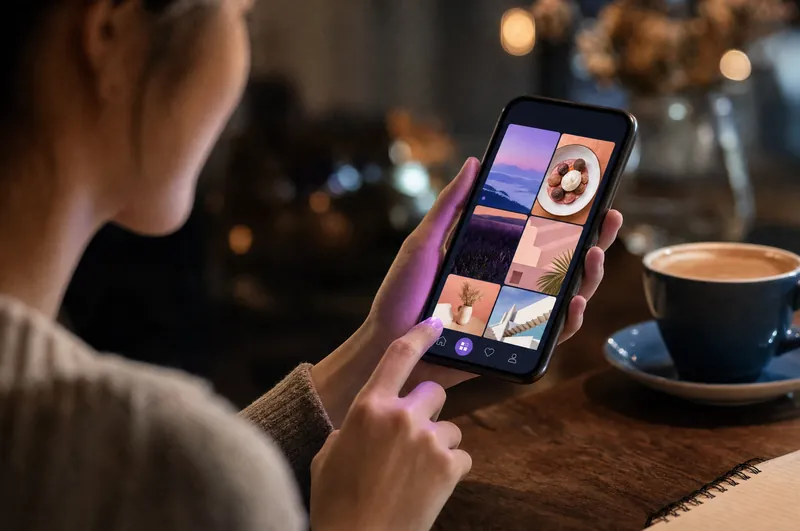
A customer in a café opens a shop's app on her phone
On their home screen

Your customers, one tap away.

Your icon sits next to the apps your customers open every day. One tap opens your site with your pages in a bottom bar and your contact buttons ready.

  • Your icon and name on their phoneUnder your own logo, the way they see every other app.
  • Call, WhatsApp or email in one tapA native contact page, and a round WhatsApp button on every page if you want one.
  • Calm when the signal dropsA friendly offline page that tries again by itself when the connection comes back.
  • It behaves like an appPull to refresh, a progress bar, share, and a Back button that goes back a page.
What your app gets

Your site, as it is, inside a real Android app.

Nothing on your website has to change. The app is built around it.

No code

Everything comes from your website and a few choices on this page. Nothing to install, nothing to write.

Your own upload key

Each app is signed with a key made for it alone. With a paid plan you export it and keep a copy.
Made for Google Play

A signed .aab bundle, a hosted privacy page and a guide through each Play Console step.

Your site, fast and native

Your website inside a native app, with a progress bar and pull to refresh.

Checkout stays in the app

File uploads, full-screen video and card checkout work inside the app, without bouncing to the browser.

Up to five tabs

Pages from your site's own menu in a bottom bar, with your contact page as the last tab.

Contact page and WhatsApp

Phone, WhatsApp, email and your website in one native page, in English or Arabic.

Day and night

The app follows the phone's light or dark mode and keeps your brand colour in both.

A “Rate this app” button

Opens Google Play's own review sheet, so happy customers can leave a rating in two taps.

Publishing on Google Play

What Play Console asks for, ready when you are.

With a paid plan the same app is built for Google Play. You publish it under your own developer account, with every step written out.

  • A Google Play bundle (.aab)Signed, without the badge, with a new version number on every build.
  • Your own upload keyThe key Google ties your app to. Export it as a .p12 file with its password.
  • A hosted privacy pagePlay asks every app for one. Yours is written from your answers and hosted for you.
  • Listing and Data safety draftsA title, descriptions and a Data safety file to import, drafted from your app.
  • The step-by-step guideFrom creating the app in Play Console to sending it for review.

Google reviews every app and makes its own decision, so nobody can promise approval. You need your own Google Play developer account (Google charges a one-time $25 fee), and new personal accounts first run a closed test with at least 12 testers for 14 days.

Your Google Play kit
AABLuna-Bakery-1.0.0.aabGoogle Play bundle · no badge
KEYcom.lunabakery.app-upload.p12Upload key + password
WEBPrivacy pagenasrtech.dev/apps/…/privacy
TXTListing and Data safetyDrafts to paste and import

Checked for free before you pay: two or more tabs, a native page, contact buttons that work.

Also on Android

Prefer your phone? Use the app.

Nasr App Maker for Android makes the same apps right on a phone, with a few extras in its paid plans: AI-drawn icons, store screenshots made from your app, notifications to your users and publishing from inside the app.

App Maker: Website to App, APKFree on Google Play
Get it on Google Play

Purchases are separate: a plan bought on this page works here, and a purchase made in the Android app works in the app.
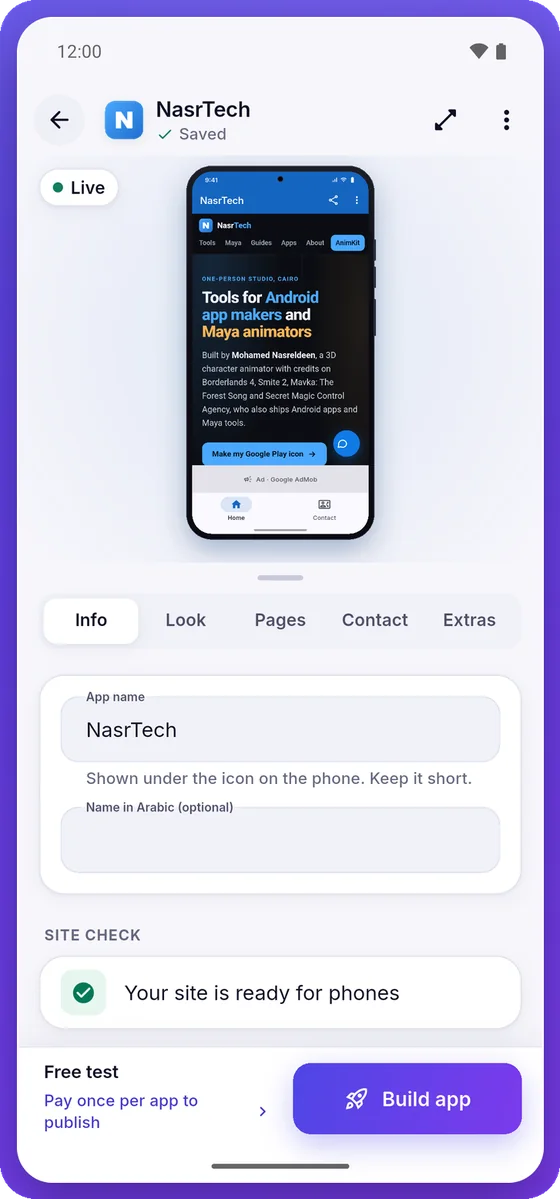
The App Maker Android app's editor, showing a live preview of a website app
Pricing

Try it free. Pay when it goes on Google Play.

The preview and your first test APKs cost nothing. A paid plan adds the Google Play bundle, your upload key and everything you need to publish.

Free

$0
See it, install it, show it to your team.
  • Live preview of your app
  • 3 test APKs a month
  • Install on your phone with a QR code
  • Shows a small “Made with Nasr App Maker” badge
Make my app
For one website

Single app

$9.99once
One payment for one app, every update of it included.
  • Google Play bundle (.aab), no badge
  • Your own upload key
  • A hosted privacy page
  • The step-by-step publishing guide
  • Every update of this app

Pro

$19.99/ month
For agencies and owners with several websites.
  • 7 new apps a month on Google Play
  • An upload key for every app
  • No badge on any build
  • Privacy pages and the guide for each app
  • Updates of your apps while the plan runs

Paid securely through GumroadPro: cancel anytimeSingle app: no subscription

Questions

Before you make your app

Does my website need https?
Yes. Every page in the app has to open on an https:// address, because Android and Google Play expect secure connections. Most hosts include a free certificate: if your address starts with http://, turn on SSL in your hosting panel and try again.
Does it work with WordPress, Shopify, Wix or Squarespace?
Yes. The app shows your real website, so it works with any platform that opens in a phone browser: WordPress, WooCommerce, Shopify, Wix, Squarespace, Webflow or a site you built yourself. Your pages, cart, forms, file uploads and card checkout keep working inside the app.
What is the “Made with Nasr App Maker” badge?
Free test APKs show a small “Made with Nasr App Maker” pill in a bottom corner of the app. The Google Play version you get with a paid plan has no badge, and neither do new test builds of an app you have paid for.
Do I need to update the app when my website changes?
No. The app loads your live website, so new products, posts and prices show in the app as soon as they are on the site. You only build a new version to change the app itself: its name, icon, colour, bottom bar or contact buttons. With Single app, every update of that app is included.
Is the upload key mine?
Yes. Your app gets its own upload key, made for it alone, and every build of the app is signed with it, so updates install over the old version. With a paid plan you can export it at any time as a .p12 file with its password and keep your own copy.
Will Google Play accept my app?
Nobody can promise that: Google reviews every app itself. Before you pay, a free check looks for the problems Google most often turns website apps down for, such as a single page with no native screen, or contact buttons that open nothing. You publish under your own Google Play developer account, which costs a one-time $25 fee paid to Google.
Which Android versions can install the app?
Android 7.0 and newer. The APK carries code for both 64-bit and 32-bit ARM phones, and the Google Play bundle covers every device type Google Play serves.
What is sent to your server?
To read your site and build the app, our build server receives your website address and the app's details: its name, colour, icon, pages and contact buttons. They are used to build your app. Test builds are deleted after 7 days. The App Maker privacy policy has the details.
Can I use the Android app and the web version together?
They are the same App Maker, but purchases are separate: a plan bought on this page works on this page, and a purchase made in the Android app works in the app. A project stays where you made it: on the web, in this browser.

Your website, on your customers' home screens.

Type your address and see your app in a few seconds. The preview and your first test APKs are free.

Make my app