

Medical and dental students
Revise bones, muscles and nerves before a practical, then quiz yourself on exactly the region you showed.
A full 3D model with 3,169 structures, named in English and Arabic, with the Latin term. Isolate it, see through it, quiz yourself on it, or put it on the lecture-hall projector. The skeleton is free with no sign-up; a plan opens muscles, nerves, vessels, organs and four more systems.
 Studying on your phone? Anatomy 3D for Android works offline
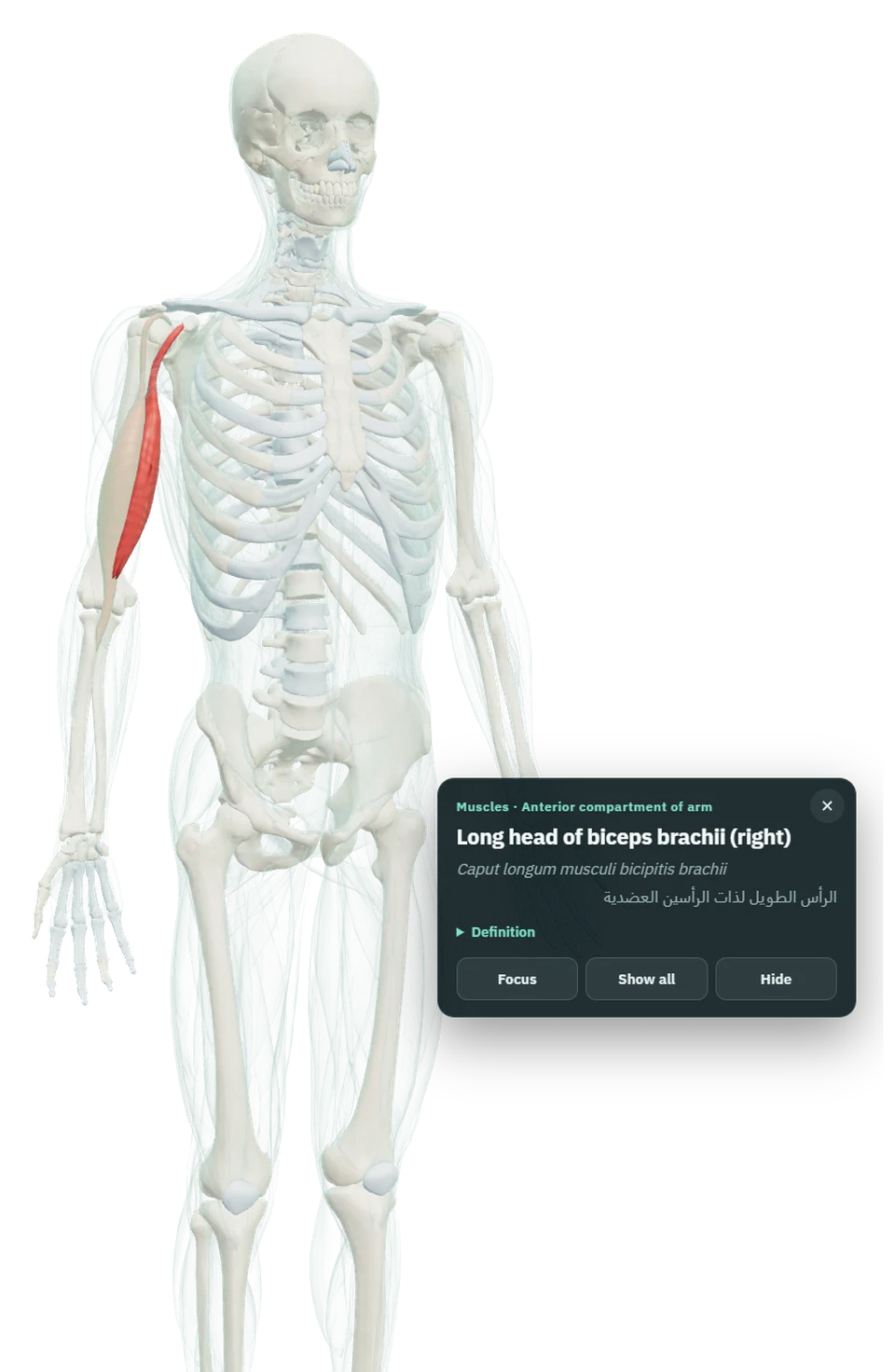
3D models and definitions: Z-Anatomy (Gauthier Kervyn et al.), derived from BodyParts3D © The Database Center for Life Science, licensed CC BY-SA 4.0. The adapted models on this page are shared under the same licence.
Everything happens on the model. There is no slideshow to click through and nothing to download first.
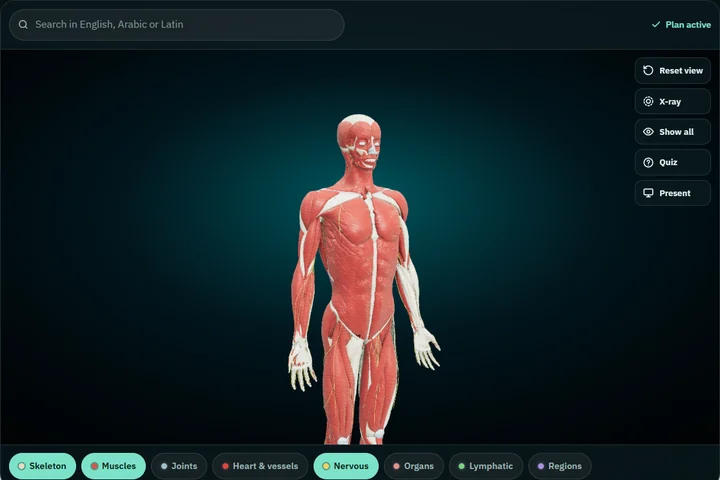
Turn systems on and off, or stack them: muscles over bones, nerves over organs. Each system loads in a second or two.
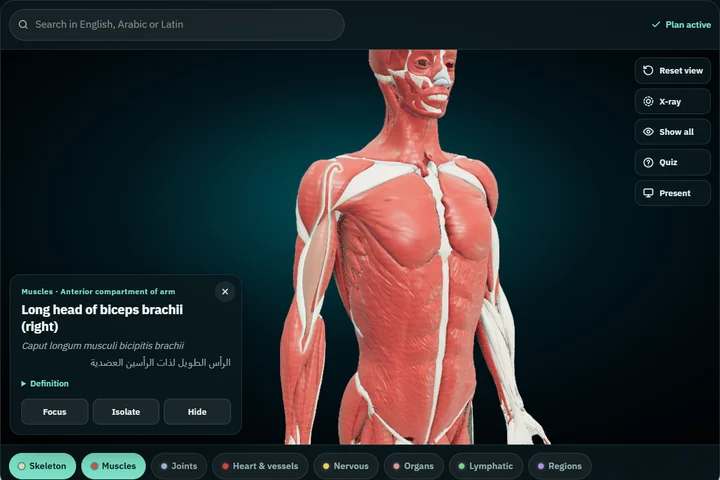
Its English, Latin and Arabic names appear with its group and a short definition. Double-tap to fly in; isolate it to spin it alone.
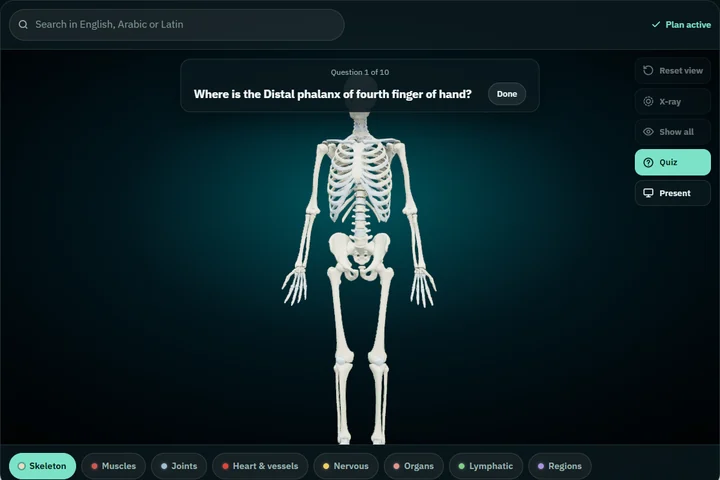
Quiz asks you to find a structure on the model, ten questions drawn from whatever is on screen, so you choose the topic by what you show.
The same model a student turns on a laptop the night before a practical is the one a lecturer projects the next morning.
Revise bones, muscles and nerves before a practical, then quiz yourself on exactly the region you showed.
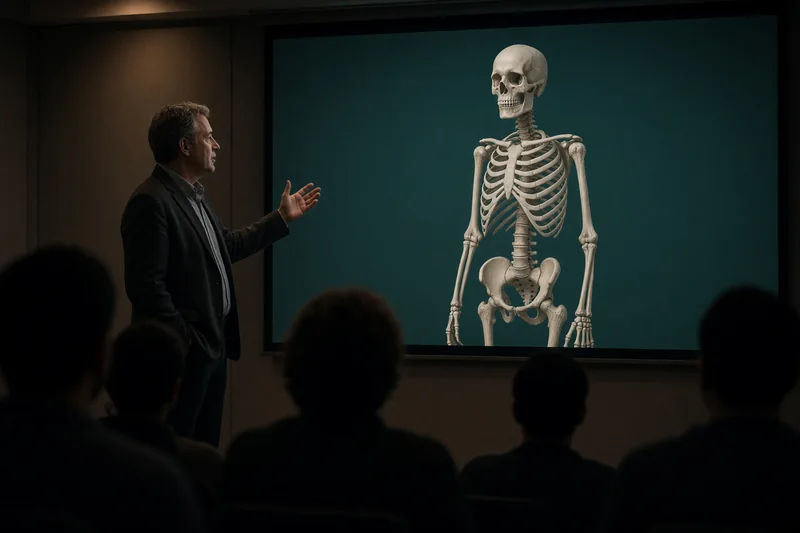
Open it on the lecture-hall laptop, press Present, and the room sees one clean model with the name in large type.

Learn where things sit, not only what they are called: isolate a structure, see through its neighbours, turn it.

Every structure carries its own Arabic name next to the English and Latin terms. It is not just an Arabic menu.
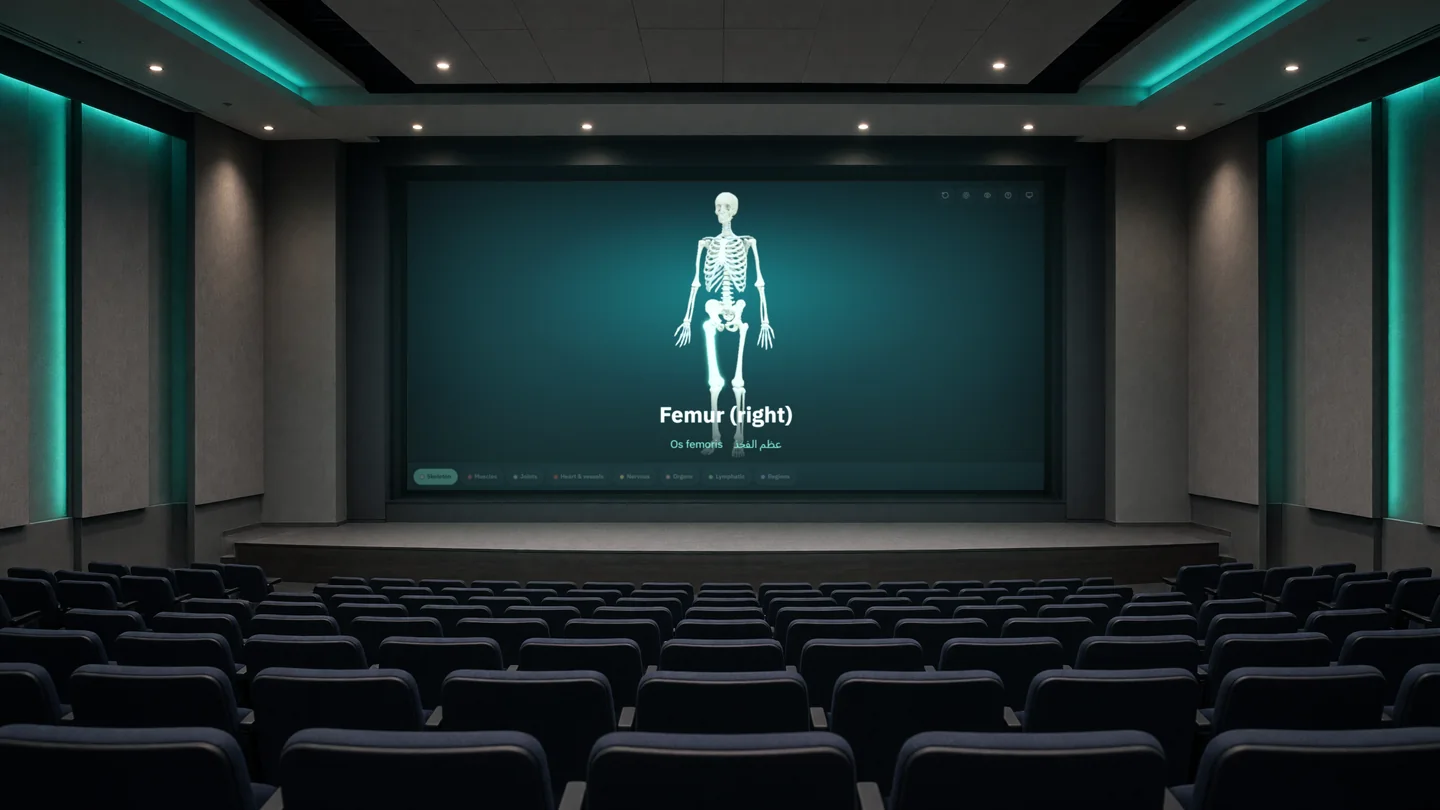
Present fills the screen with the model and a large caption, so the back row can read what you point at.

Skeleton 277, muscles 683, joints 413, heart and vessels 676, nerves 582, organs 119, lymphatic 163 and body regions 256.
English and Arabic for every structure and the Latin term for almost all of them, every bone included. Left and right are marked, with the group and a short definition.
Show one structure alone, hide what is in the way, or turn everything else to glass to see what lies underneath.

Type femur, عظم الفخذ or os femoris and the same bone comes up, with the model flying to it.

Ten "where is…?" questions from the systems and parts on screen, with the right answer lit up after each try.
Runs in Chrome, Edge, Safari or Firefox on a laptop, tablet or phone. No account: a plan is one licence key.
Anatomy 3D for Android carries the same models and names, plus cut planes on three axes, muscle origins and insertions, and mirroring to a TV. Once installed it needs no connection.
Get it on Google Play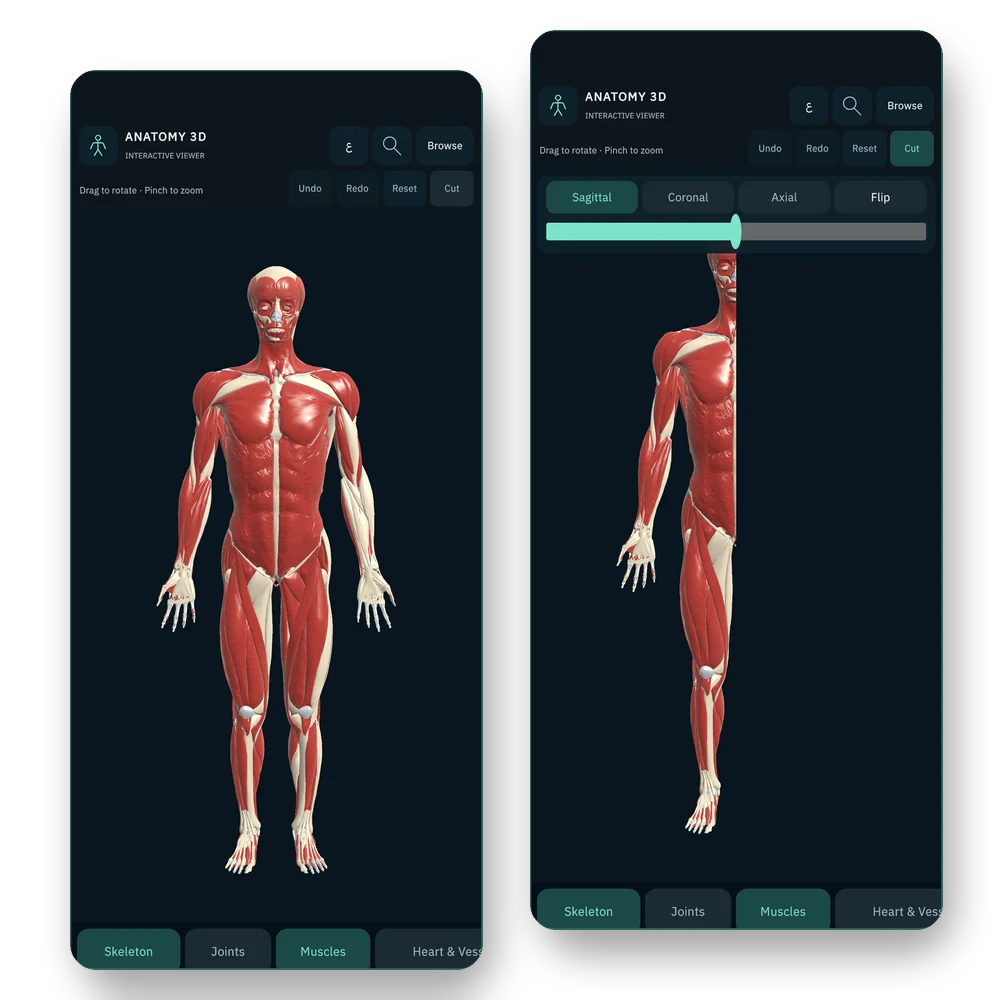
Pay monthly, or once a year and save. Cancel any time from your Gumroad email.
Freeno sign-up
$4.99/ month
$24.99/ year
$2.08 a month, billed yearly
Payments are handled by Gumroad. Your licence key arrives by email; paste it in the viewer once per browser. Purchases in the Android app are separate.
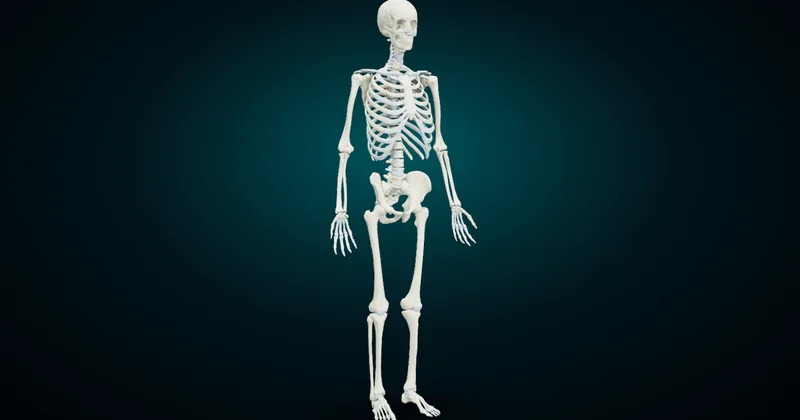 Bones of the Human Body: Names in English, Latin and ArabicThe main bones of the human skeleton by region, each with its English, Latin and Arabic name, plus 3D renders and a free skeleton you can turn and quiz on.Read the guide
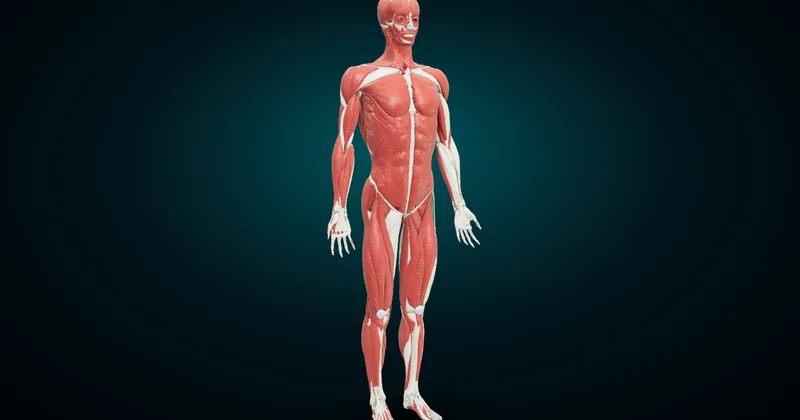 Muscles of the Human Body: Names in English, Latin and ArabicThe main muscles of the human body named in English, Latin and Arabic, region by region, with 3D renders, the heads of each muscle and a study routine.Read the guide
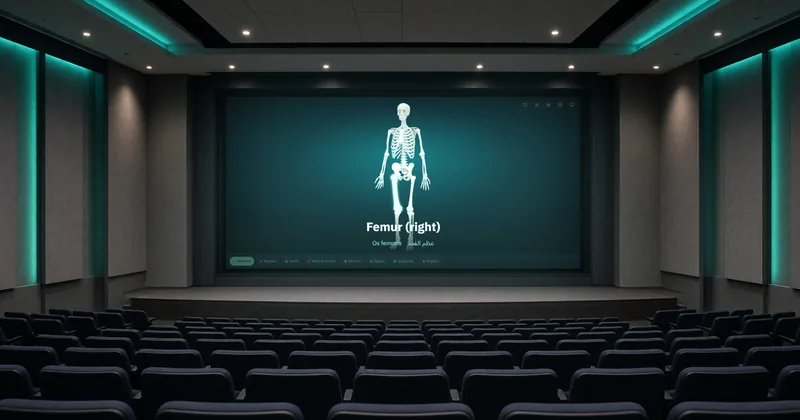 How to Teach Anatomy With a Projector: a 3D Model on the Big ScreenPut a 3D anatomy model on the lecture-hall projector in five minutes: HDMI or a cast tab, Present mode, names in three languages and a quiz for the room.Read the guide
277 parts of the skeleton, three names each, right here in your browser.
Open the 3D skeleton