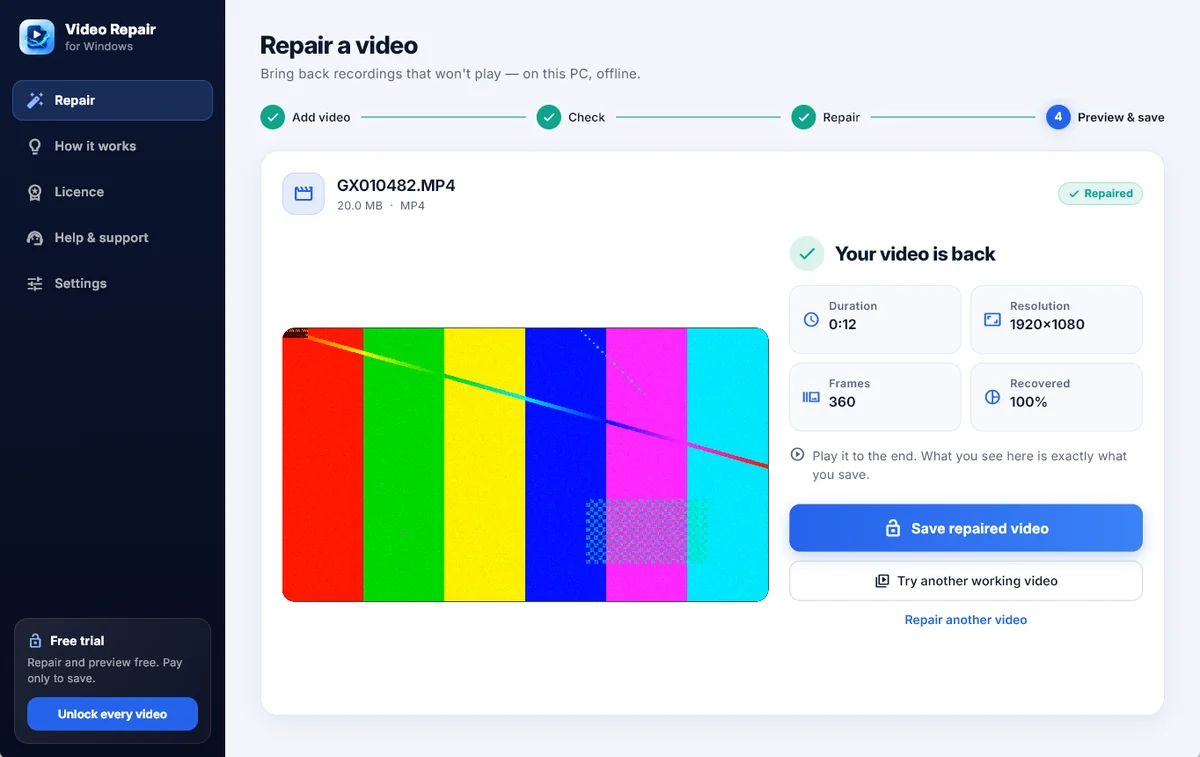
When a camera, phone, drone or screen recorder stops mid-recording, the footage stays in the file but the index a player needs is never written. Video Repair rebuilds it around your camera's own frames — nothing re-encoded — and you watch the result before you pay.
Windows 10 & 11 (64-bit) · MP4 · MOV · M4V · 3GP · Repair and preview free · Nothing uploaded
Most “broken” videos are not broken at all. The frames are there; the table that finds them is not.
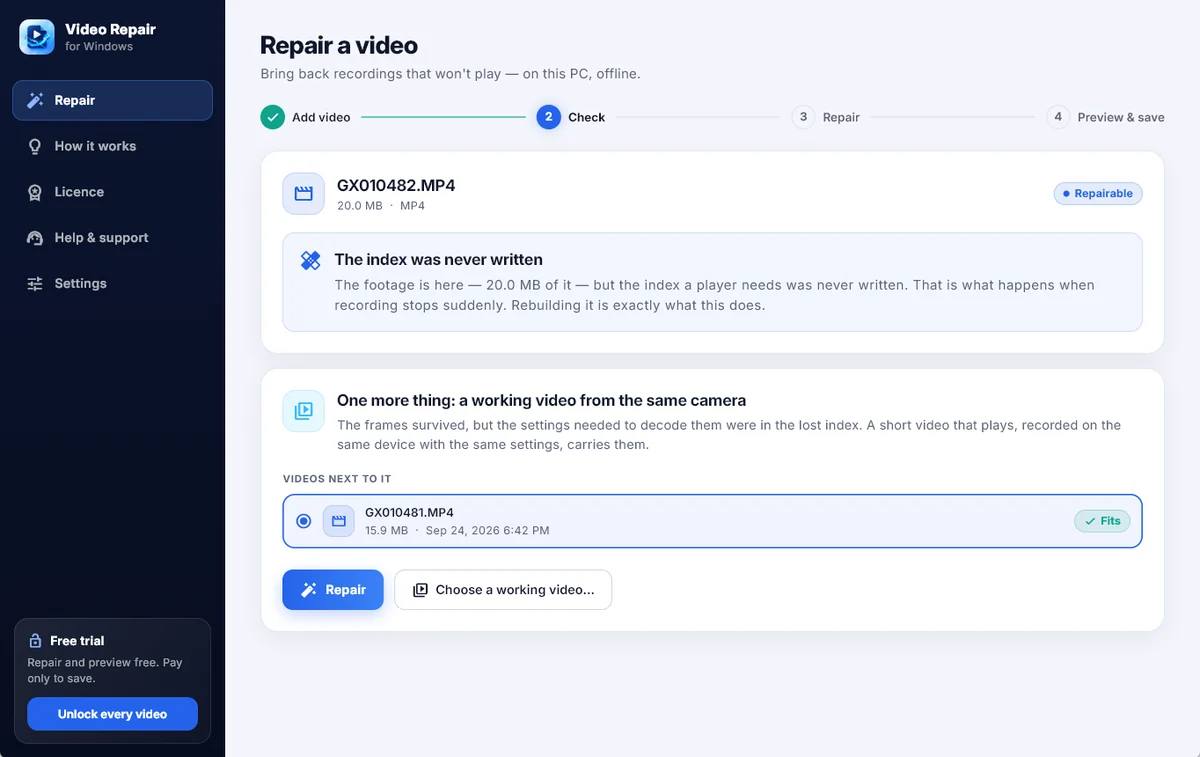
Drag the file onto the window, press Ctrl+O, or right-click it and choose Open with. It is checked in seconds and you are told, in plain words, what happened to it.
Some cameras keep their settings only in the lost index. A short video that plays, from the same device and settings, carries them — the program finds one in the same folder and checks it fits.
The repaired video plays right in the program. What you see is exactly what you save, so you only pay for a result you have already watched.
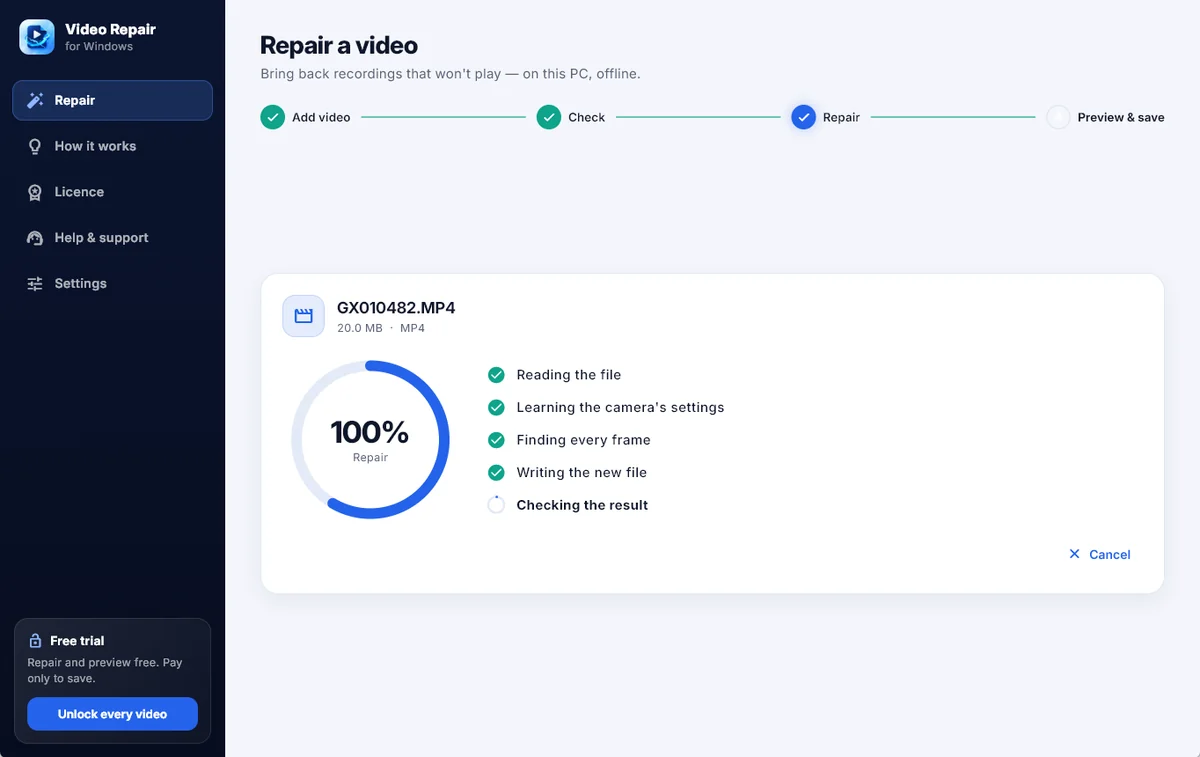
Real screens from the program, repairing a test clip.
The ways a recording ends up unplayable when it stops before it is finished.
A flat battery, a full card, a crash or an app that was closed mid-recording. The frames are all there; the index is rebuilt around them.
A copy or a transfer that stopped part-way. The part that exists is rebuilt into a video that plays to its last frame.
When the first part of a file is wiped, the frames after it are found and put back into a playable video.
H.264 and HEVC recordings that store frames out of display order are rebuilt in the order they play, with the sound in step.
Portrait videos from a phone stay upright, and long 4K recordings are handled like any other.
Nothing is re-encoded: the repaired file carries your camera's own bytes, and the broken original is only read, never changed.
So you know before you try it.
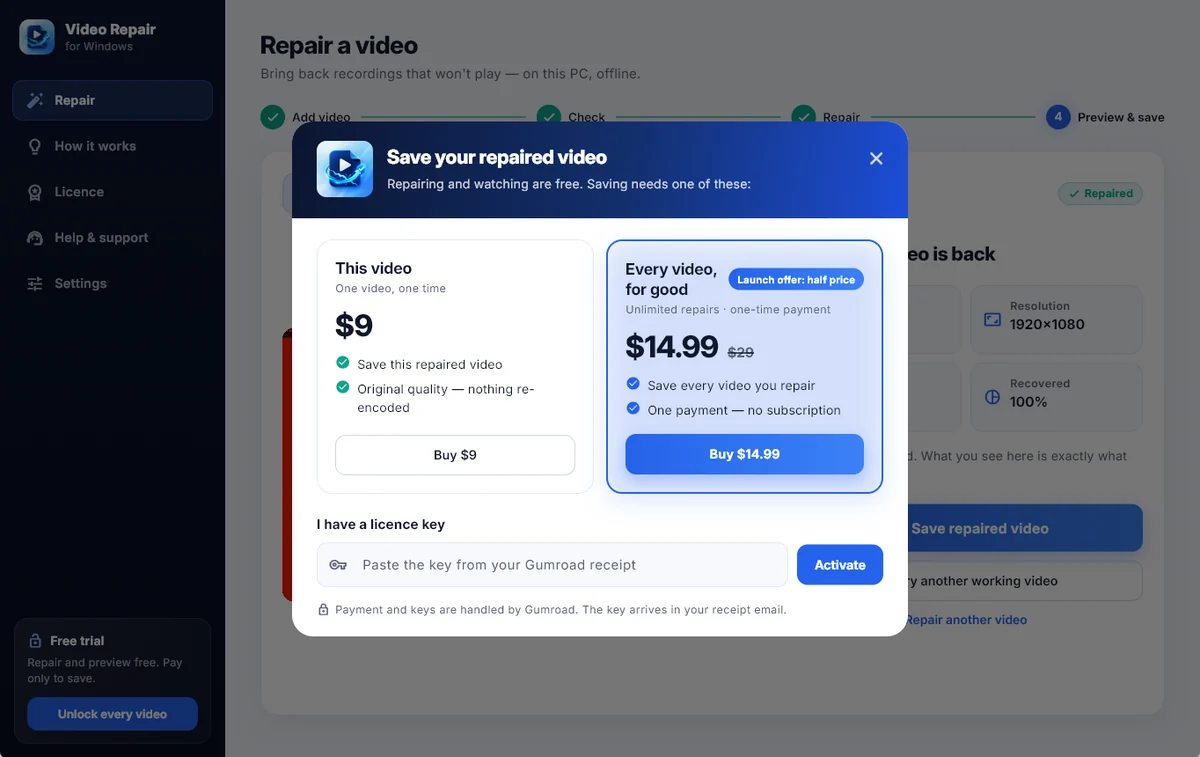
Repair any video and watch the result for free. Choose a plan only when you want to keep it.
One video, one time
Unlimited repairs · one-time payment
Payment and licence keys are handled by Gumroad. The key arrives in your receipt email and works offline after one check.
The ones worth answering before you download anything.
A camera writes the index — the table a player uses to find each frame — at the very end of a recording. If the battery died, the card filled up or the app crashed, the frames are in the file but the index never was, so every player refuses it. Rebuilding that index is what Video Repair does.
Some cameras keep the settings needed to decode the picture only in the index that was lost. A short video that plays, recorded on the same device with the same settings, carries them. Video Repair looks for one in the same folder on its own and checks that it fits before it uses it.
No. The repair runs on your PC. The only network call the program makes is to check a licence key with Gumroad when you enter or use one. Details in the privacy policy.
No. The broken file is only read. The repaired video is a new file that you save where you choose.
Then do not pay. Try another working video from the same camera, or ask us at support@nasrtech.dev. You only ever pay to save a result you have watched.
Repairing and watching the result are free. Saving costs $9 for one video, or a one-time $29 for every video — $14.99 during the launch offer. No subscription.
Yes — Video Repair for Android repairs videos right on the phone that recorded them.